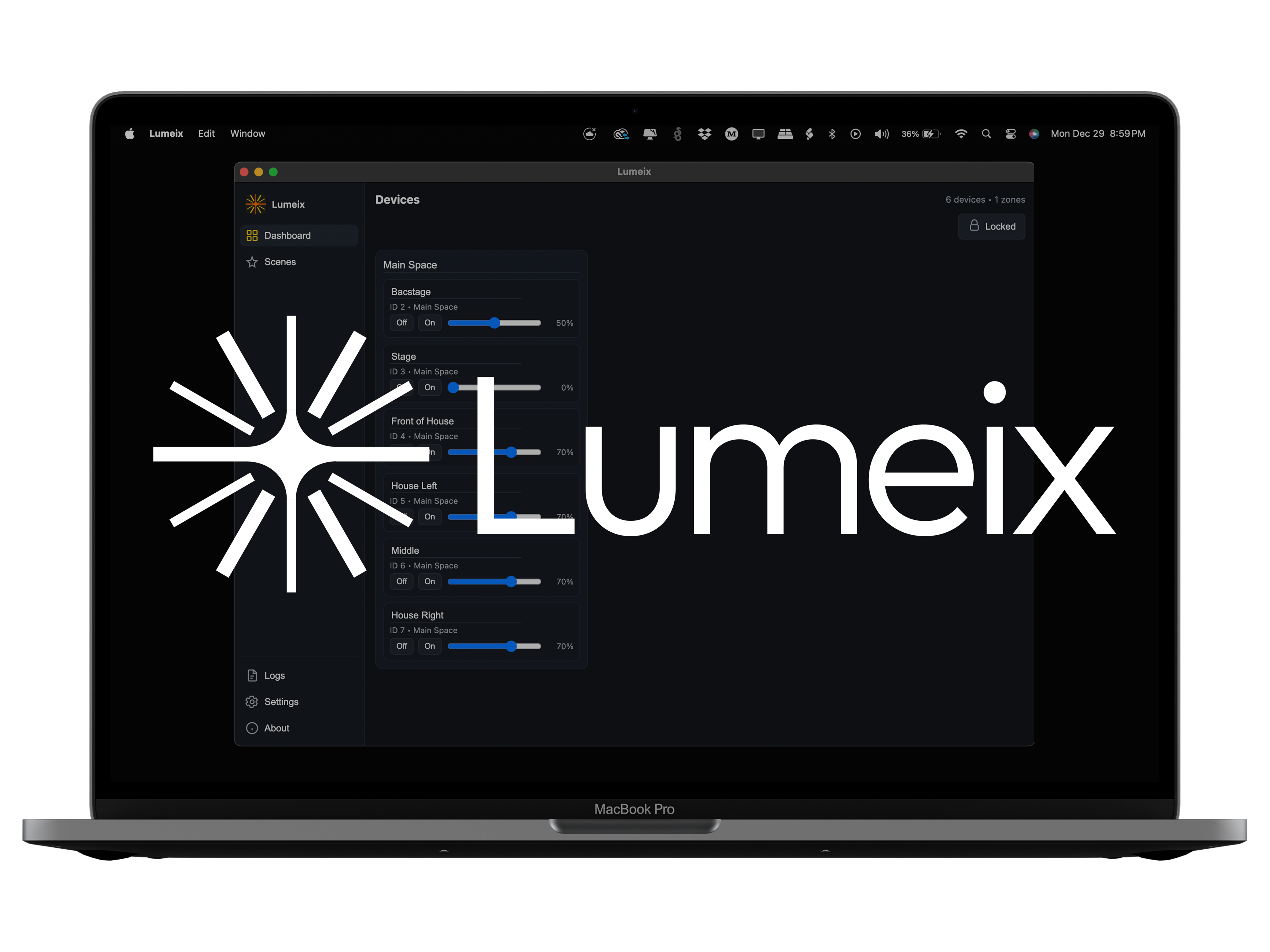
Trigger presets from the tools you already use.
Run house lights from the same control surface that runs your show: ProPresenter (RossTalk), Bitfocus Companion (RossTalk/HTTP), and Art-Net.
Features
Built for services. Ready for show flow.
Control Caséta house lights with presets that trigger from ProPresenter (RossTalk), Bitfocus Companion, or Art-Net. Fast, clean, reliable.
Instant preset triggering
Create presets once with customizable fade times. Run them during service without digging through menus.
ProPresenter (RossTalk)
Trigger house light presets from macros so slides can drive lighting changes.
Bitfocus Companion
Fire presets from buttons using RossTalk or HTTP so operators stay in one control surface.
Art-Net output
Bridge house lights into compatible lighting software when you need it.
Show-friendly reliability
Built to behave the same way every time—because Sunday is not beta testing.
Clean, minimal UI
No console-style clutter. Just the controls you actually need for house lights.
Fast setup
Get up and running in minutes. Connect your Caséta bridge, import devices,
and start building presets.
View setup guide
Pricing
One subscription. Everything included.
Lumeix Subscription
$10.00
per month
Includes a 14-day free trial
Trial starts when you subscribe inside the app. Cancel anytime.
macOS app
Presets + fades
ProPresenter (RossTalk)
Companion (RossTalk / HTTP)
Art-Net output
For an extra $5 a month, you can unlock all Art-Net Capabilities
Quick setup
Three steps and you’re moving.
Connect Caséta
Use a supported Lutron Caséta setup and make sure your Mac can reach it.
Create presets
Build the few looks you actually need: Walk-in, Service, Message, Outro.
Trigger it
Trigger presets via ProPresenter (RossTalk), Companion, or Art-Net.
Want the full setup guide? Hit Getting Started.